.png?width=250&height=58&name=LGB_Logo%20Orange%20(1).png)
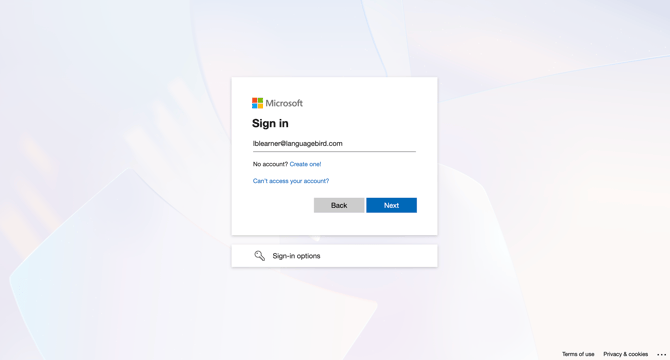
1. Enter your LanguageBird email address and click "Next."
2. Enter your password and click "Sign in."
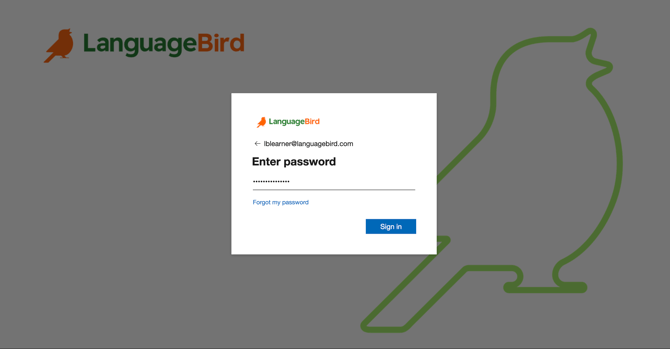
Important: Your LanguageBird email address and temporary password are sent in your welcome email. If you didn’t receive it, check your spam or junk folder.
Troubleshooting
- Forgot your password?
Click "Forgot password?" on the login screen and follow the steps to reset it.
- Wrong account?
Make sure you're using your LanguageBird email credentials, not a personal email account.
Need Additional Help?
Our support team is ready to quickly resolve your tech issues. Share details like your device, browser, and error messages for faster assistance.